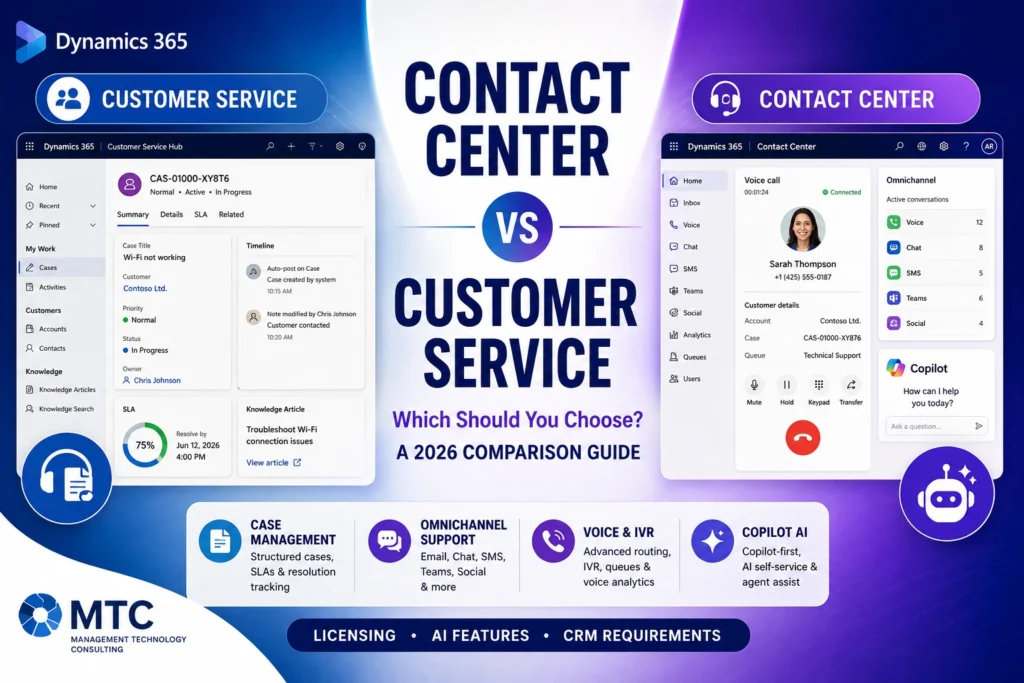
Microsoft Teams as a Channel in Dynamics 365 Contact Center
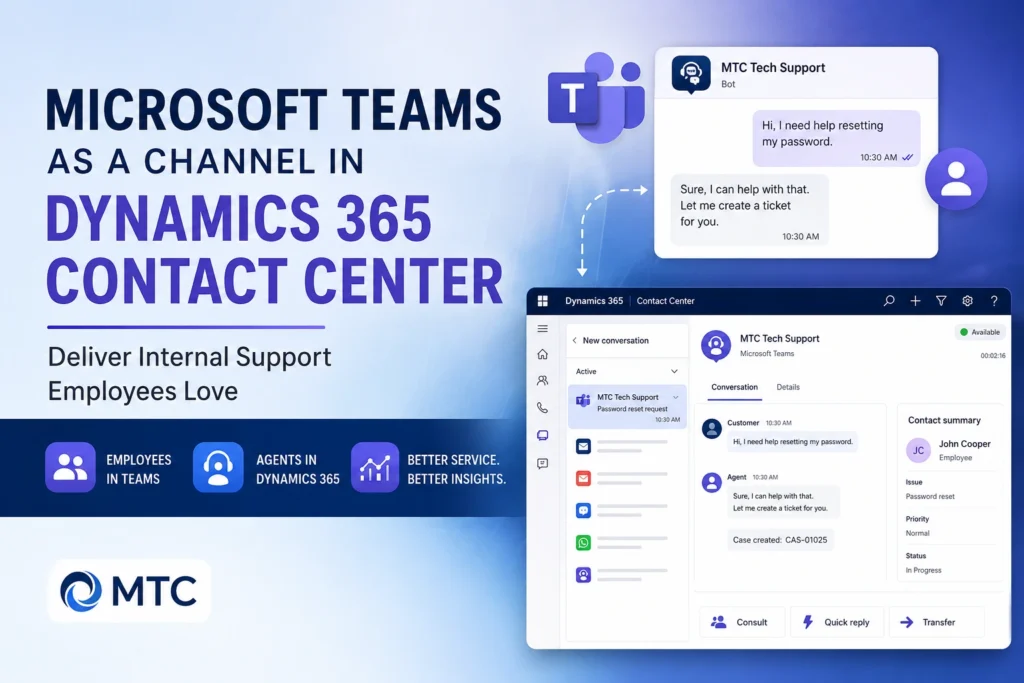
Learn how Microsoft Teams integrates with Dynamics 365 Contact Center to deliver seamless internal support, intelligent routing, case management, and Copilot-powered service experiences.
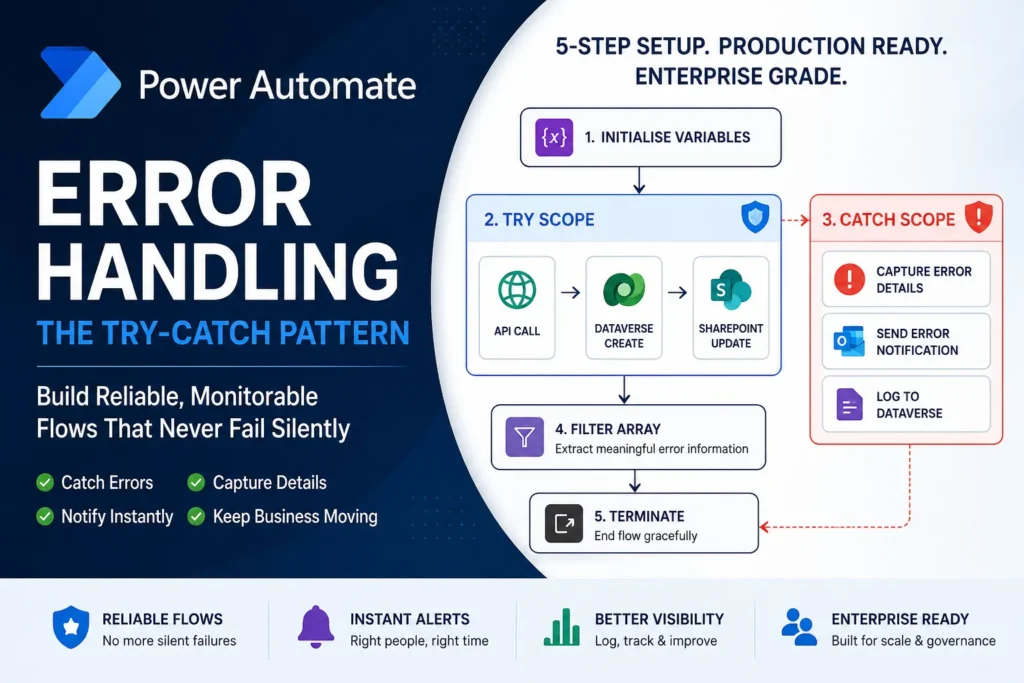
Power Automate error handling is essential for reliable business automation. Learn how to implement a production-ready Try-Catch pattern using Scopes, Configure Run After, Filter Array, and structured error logging to prevent silent flow failures.
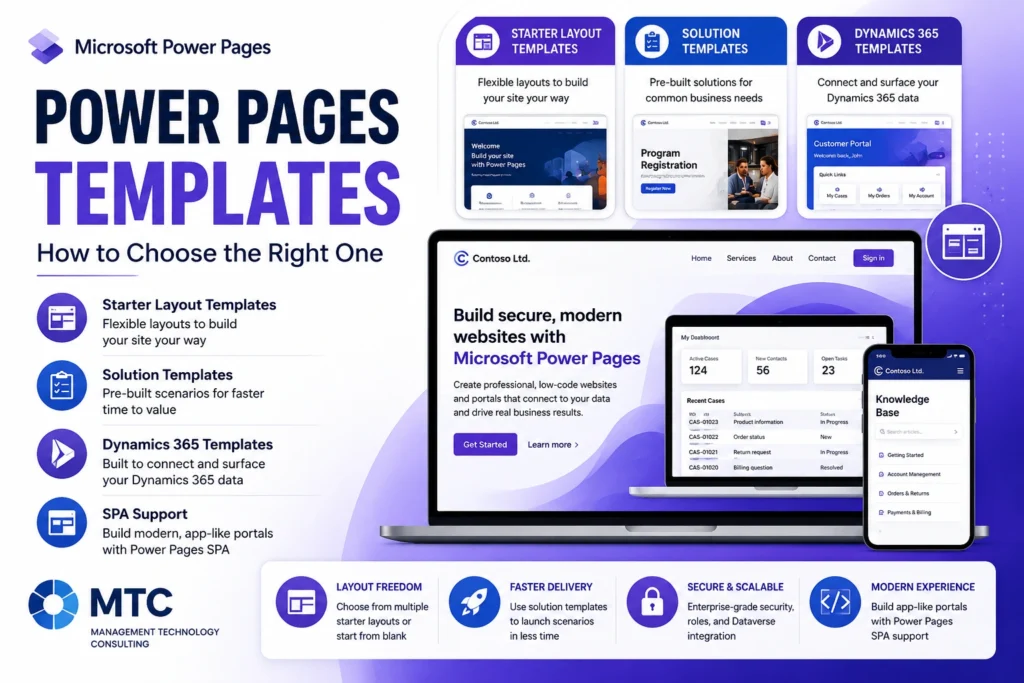
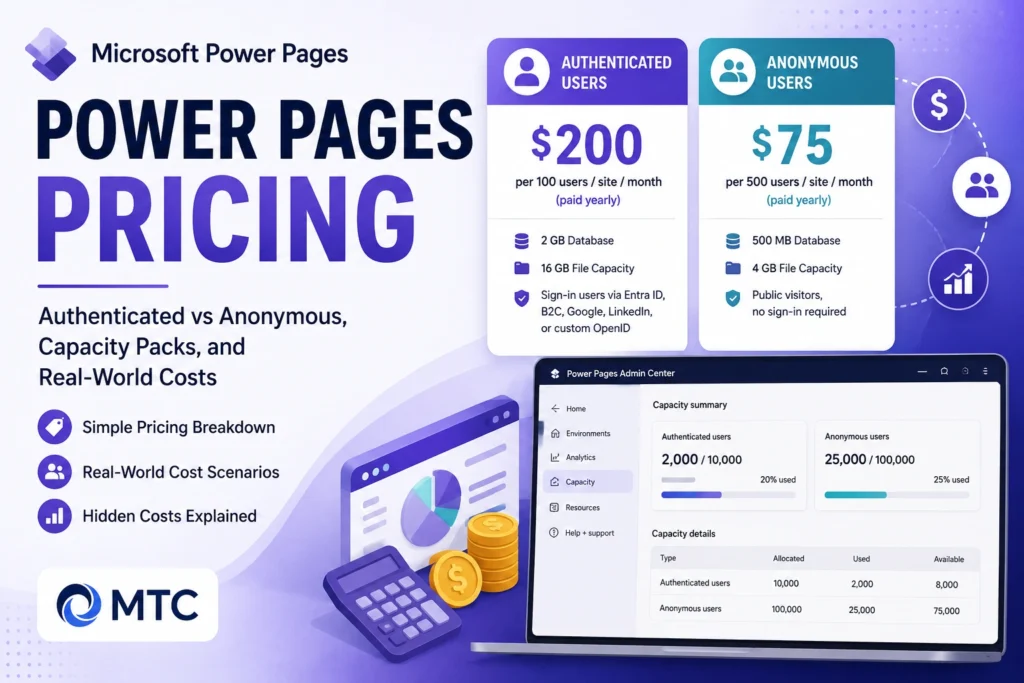
Explore Microsoft Power Pages in 2026, including features, pricing, real-world use cases, and how Microsoft partners can deliver secure, data-driven portals faster.
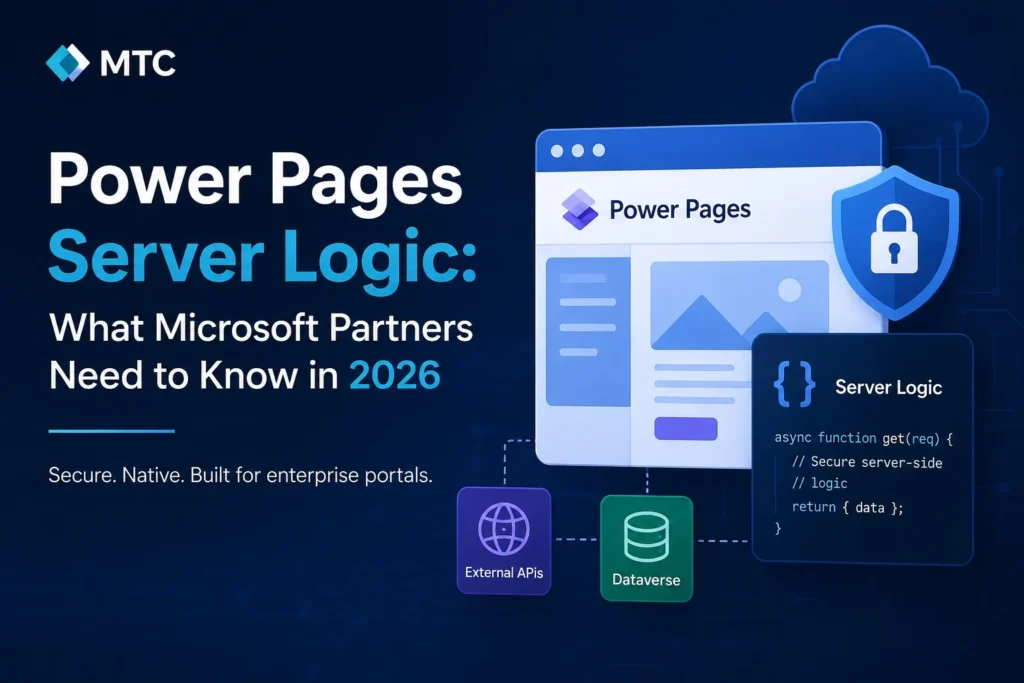
Discover how Power Pages Server Logic changes enterprise portal architecture in 2026. Learn when to use server-side JavaScript, reduce Power Automate dependencies, secure API integrations, and simplify Power Pages development.
If you’ve built an AI agent in Microsoft Copilot Studio, you’ve probably hit the same wall every Microsoft partner hits:
Compare Microsoft Forms and Dynamics 365 Customer Voice for surveys, CRM integration, automation, and customer feedback workflows.
Discover how to build a secure B2B portal for Microsoft Dynamics 365 using Power Pages, React, or Blazor. Compare features, costs, licensing, timelines, and implementation options.
Learn how to configure Dynamics 365 Customer Service live chat with Copilot AI, skill-based routing, and work classification rules. A practical partner guide.
Learn how to convert a Power Automate cloud flow to an agent flow in Microsoft Copilot Studio, plus prerequisites, best practices, and migration tips.
CRM Picture Pro is a Dynamics 365 add-on that lets users capture, upload, preview, annotate, and manage images and videos directly from CRM records — with SharePoint storage to keep Dataverse lean.